 Raising
 Best YouTube Channels for Kids: What to Turn On Instead
Ask a group of parents for the best YouTube channels for kids and the question underneath is usually the same: what can I put on that isn't brainrot? Below are channels for children ages 4–8, sorted by type, with who makes each one and whether its videos are marked "made for kids." We don't rate channels, because no one officially rates YouTube channels. These are facts to help you choose.

Best YouTube channels for kids: how this list works
Short answer: The channels below are grouped by what a child does while watching: learns about science and animals, moves, sings, draws, listens to a story, or practices letters and numbers. For each one, we list who makes it and whether the videos we checked are marked "made for kids."
On parenting forums such as r/daddit, the request tends to sound like "clean, quality channels." That usually means three things: no shock humor or brainrot, a real person or studio behind it, and videos that end rather than blur into the next one.
We checked one or two recent videos from each channel in October 2026. When a video is marked made for kids, YouTube turns off comments, notifications, the miniplayer, and personalized ads on it. Channels change, so watch a few videos yourself before you hand them over. YouTube channels have no official age rating, so the ages here come from the channels' own descriptions or from what the videos cover.
Educational YouTube channels for kids: science and nature
SciShow Kids. From the team behind SciShow (Complexly). Host Jessi and a robot rat named Squeaks explain science questions. The videos we checked are made for kids. The newest uploads we saw were compilations from May 2025, so treat it as a large archive.
Nat Geo Kids. National Geographic's channel for children: animals, science, and "weird but true" facts. New videos were posted in October 2026. Made for kids.
Crash Course Kids. From the creators of Crash Course; it's aimed at elementary-school kids, so it fits the top of this age range. Made for kids.
Mark Rober. A former NASA engineer and founder of CrunchLabs who builds engineering experiments and gadgets. His videos are not marked made for kids, and comments are on. Some recent ones are cash-prize challenges.
Brave Wilderness. Coyote Peterson and Mark Vins film close-up animal encounters, including videos in which the host is stung or bitten on purpose. Not marked made for kids; comments are on. Preview before showing a younger child.
Channels that get kids moving
GoNoodle. A Nashville company that makes short dance, stretching, and mindfulness videos, designed as classroom "brain breaks" for elementary students. Made for kids.
Cosmic Kids Yoga. Jaime Amor leads story-based yoga adventures: children act out a story with yoga poses. Started in 2012. Made for kids.
Danny Go! A live-action show with songs, dances, and movement games, made in Charlotte, North Carolina. Made for kids. More in our Danny Go guide.
Movement channels may work better when there's floor space and the screen is across the room, not in a child's hands.
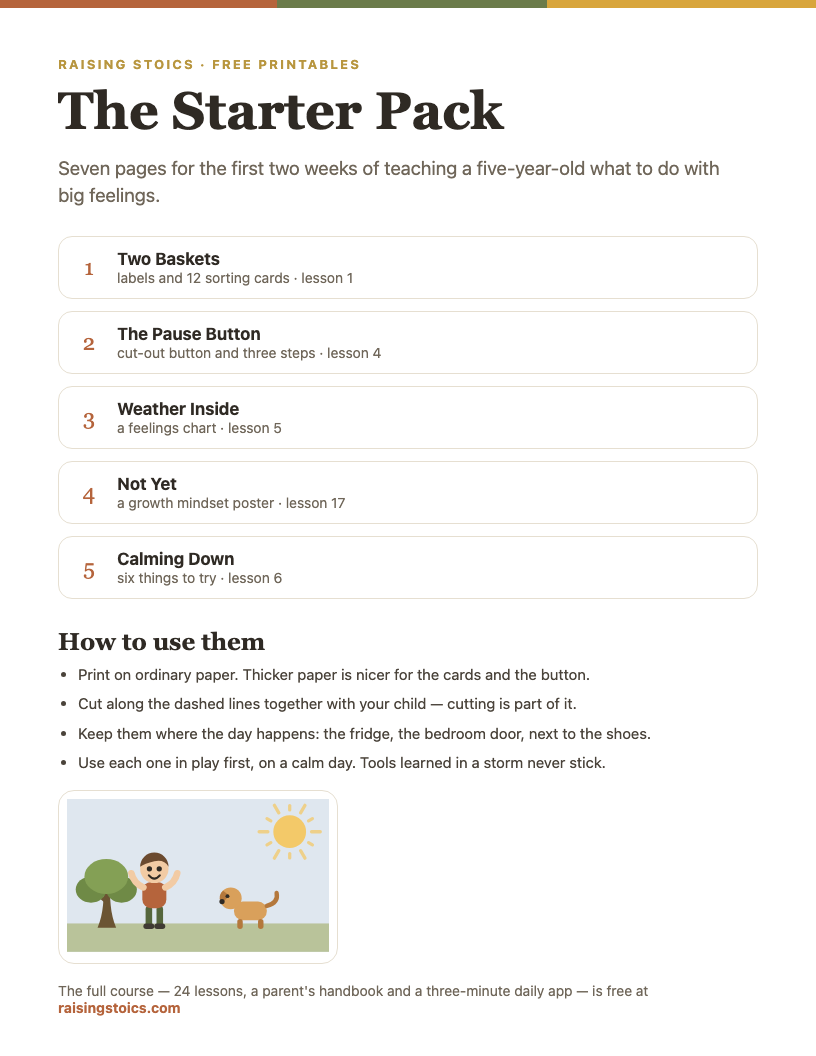
The Big Feelings Starter Pack
Nine pages for the first two weeks: a sorting game, a pause button, a feelings chart and a calm-down poster.
Download the free PDF See all 9 pages
Part of a free 9-page starter pack. Sign in with a code from your email — no password.
Music channels
Jack Hartmann Kids Music Channel. Songs for counting, letters, and movement, from children's songwriter and performer Jack Hartmann. Made for kids.
Super Simple Songs. Nursery rhymes and original songs from Skyship Entertainment in Toronto. Made for kids. See our Super Simple Songs guide.
Ms Rachel. The channel, now called Ms Rachel - Toddler Learning Videos, offers songs, sign language, and speech practice from former preschool music teacher Rachel Accurso. It's aimed at babies, toddlers, and preschoolers, so many 5- and 6-year-olds have moved past it, but younger siblings often haven't. Made for kids. More in our Ms Rachel guide.
Art and drawing: Art for Kids Hub
Art for Kids Hub. Rob Jensen started the channel in 2012, and his family appears in the videos. A parent and child draw the same picture step by step, so a child can follow along with paper and markers. Made for kids.
A drawing video is what parents often call "active" screen time: the child draws along instead of only watching. Pausing to finish a step is part of how it's used, which also makes it easier to stop after one drawing.
Read-aloud channels
Storyline Online. A literacy program from the SAG-AFTRA Foundation in which actors read children's picture books aloud, with the book's illustrations on screen. Recent uploads include *Room on the Broom* read by Kate Winslet. Made for kids.
Free School. A channel that introduces famous art, classical music, children's literature, and natural science, including read-alouds. Made for kids. The newest uploads we saw were from March 2025.
Read-alouds sit closest to a book: slow, one story, a clear ending. Some families keep them as the last video of the day.
Preschool learning: letters, numbers, and Sesame Street
Numberblocks. Animated blocks that each represent a number, made by Blue Zoo Animation Studio for Alphablocks Ltd and shown on the BBC in the UK. Made for kids.
Alphablocks. From the same makers: 26 letters that make words when they hold hands, built on phonics. It also airs on CBeebies in the UK. Made for kids.
Sesame Street. Sesame Workshop's official channel, with clips and songs from the long-running series. Made for kids. More in our Sesame Street guide.
Blippi. A live-action host in an orange-and-blue outfit visits playgrounds, farms, and machines. Created by Stevin John in 2014 and owned by Moonbug Entertainment since 2020. Made for kids. More in our Blippi guide.
Good YouTube channels for kids on YouTube Kids: approved content only
Short answer: In the YouTube Kids app, choose "Approve content yourself." Your child will then see only the videos, channels, and collections you've picked, and search is turned off.
Following YouTube Kids Help as of October 2026:
1. Open the YouTube Kids app on your child's device and select Settings. 2. Solve the multiplication problem or enter your custom passcode. 3. Select your child's profile and enter your parent account password. 4. Select Edit settings. Turn on Approve content yourself. 5. Review the "Getting Started" pop-up and tap Select. 6. Tap the approval icon on any collection, channel, or video, then tap Done.
YouTube says this setting has to be turned on in the YouTube Kids app itself, not from Family Center. You can edit the list later under Manage. From the main YouTube app, a linked parent account can also share a video or channel to a child's YouTube Kids profile, and blocking a channel there blocks it in YouTube Kids. More about the app in our YouTube Kids guide.
YouTube channels for kids on the main YouTube app
Some channels on this list, such as Mark Rober and Brave Wilderness, aren't marked made for kids, so they may not appear in YouTube Kids unless you share them from YouTube. On the main app, comments and recommendations work the way they do for adults.
The main YouTube app is rated 12+ on the App Store, and YouTube's minimum age for its own accounts is 13. For younger children, Google offers supervised accounts with their own content settings. Our YouTube guide explains the differences.
One practical habit: watch the older-audience channels together, on a TV, rather than on a child's own tablet.
How to check a YouTube channel yourself
Short answer: Look at who makes it, whether its videos are marked made for kids, when it last posted, and then watch three videos start to finish.
- Who's behind it. The channel's About section usually names a company, a nonprofit, or a person. A named studio or a teacher with a long track record is easier to check than an anonymous channel.
- The made-for-kids label. Under a video, "Comments are turned off" with a link about made-for-kids content is the quickest sign. Comments can also be off for other reasons, so it's a clue, not proof.
- Recent uploads. A channel that stopped posting years ago can still be useful, but reuploads of its videos by other channels may look similar and aren't from the same makers.
- Three full videos. Watch for pace, shouting, product placement, and how each video ends. What sits in the "up next" column matters too, since that's where a child goes when you look away.
Even good channels end in "one more"
A carefully chosen channel still has a next video. YouTube's list of features turned off for made-for-kids videos includes only "Autoplay on home" (previews on the home feed), not autoplay of the next video, so another video may still start when one ends. Check the autoplay toggle in the player settings. For many children, stopping is the hard part, not choosing.
What may help: decide the number before the app opens. "Three videos, and you pick them." Line them up together, then end with something off-screen. In our program, this is the lesson "Enough": noticing what's already here. Its companion, "Boss of My Want," practices waiting through "I want it now."
If screens have already become a daily fight, our iPad kid guide covers endings and transitions, and screen time rules for kids puts limits into a simple family plan. If a child is repeating what they hear in videos, see kids copying bad behavior from TV.
What parents ask
Paraphrased from questions parents often post on Reddit, Mumsnet, BabyCenter, and other parenting forums.
“My 7-year-old only watches AI-made 'slop' videos. Is that hurting them?”
Short answer: no rating will tell you, and parents disagree about how much it matters. A practical step is to choose channels with a named person or studio behind them, and use "Approve content yourself" in YouTube Kids so only those appear. Watching a few videos together may also show you what your child likes about them. See what brainrot means.
“My kids have outgrown PBS Kids. What do we watch now?”
Short answer: many families move to channels where children do something while watching. Science channels like SciShow Kids and Nat Geo Kids, drawing along with Art for Kids Hub, or a read-aloud from Storyline Online are a few of the options on this page. Watch a few videos yourself first, since channels change over time.
“How do I get rid of the shouty gaming and slime channels without banning YouTube?”
Short answer: in YouTube Kids, "Approve content yourself" limits your child to the videos and channels you pick, with search turned off. Blocking single channels also works, but the same videos reuploaded on other channels may not be blocked. Lining up a few chosen videos before the app opens may also cut down on drifting toward loud channels.
“My child's teacher shows YouTube videos in class that I wouldn't allow at home. Can I say something?”
Short answer: yes, it's reasonable to ask, kindly and with curiosity. Ask what the videos are for and how they're chosen, and share what worries you, such as fast-paced or ad-heavy content. Some parents suggest a channel or two the class could use instead. If you're still concerned, ask whether the school has a policy on classroom videos.
FAQ
What are the best educational YouTube channels for kids?
For children ages 4–8, widely used educational channels include SciShow Kids and Nat Geo Kids for science, Numberblocks and Alphablocks for numbers and letters, Storyline Online for read-alouds, and Art for Kids Hub for drawing. All of the videos we checked on these channels were marked made for kids, which turns off comments and personalized ads. Watch a few videos yourself first, since channels change over time.
What is the most-watched YouTube channel for kids?
Among the made-for-kids channels in this guide, Super Simple Songs had the most subscribers when we checked in October 2026: 47.1 million. Mark Rober, which isn't made for kids, had 84.4 million. Sesame Street had 30.4 million, and Blippi had 27.5 million. Subscriber counts measure popularity, not quality or fit for your child, and Cocomelon, which isn't on this list, had 203 million.
Are YouTube channels for kids rated?
No. YouTube channels don't get official age ratings the way movies and TV shows do. What YouTube has instead is the "made for kids" label, which creators set and which turns off comments, notifications, and personalized ads. It tells you who a video is aimed at, not whether it suits your child. Shows that also stream on Netflix or PBS carry TV ratings there.
How do I block a YouTube channel on YouTube Kids?
While signed in to YouTube Kids with your parent account, you can block a video or channel directly in the app. From the main YouTube app, a linked parent account can also block a channel for a child's profile from the channel page. YouTube notes that blocking a channel doesn't block the same videos reuploaded on other channels, so "Approve content yourself" is the stricter option.
Can I make a playlist for my child on YouTube Kids?
Not in the usual sense, because made-for-kids videos can't be saved to playlists on YouTube. The closest options are approving specific videos and channels with "Approve content yourself," or sharing chosen videos from the main YouTube app to your child's YouTube Kids profile, where they appear under the Shared tab.
Podcasts for Kids: Story, Science, and Bedtime Shows for Ages 4–8
Podcasts for kids ages 4–8, sorted by type: stories, science, calm and sleep, history, and comedy, with who makes each show and how to use them in the car.
Read next →"Enough" and "Boss of My Want" are lessons 14 and 13 of the program for ages 5–6: practice for stopping when the next video is right there.